Continuous monitoring
CPU, RAM, disk, network, Windows services, antivirus, firewall, and updates are tracked automatically.
PowerIX continuously monitors your Windows PC, explains technical issues in plain language, and helps prevent incidents before they happen.
The Windows agent is downloaded securely from your PowerIX space after account creation or sign-in. No credit card required to start.
PowerIX @ Home is published and distributed exclusively by PowerIX from the official website powerix.fr.
A free account is required to securely associate the Windows agent with your PowerIX account.
No payment or payment method is required to download and use the free offer.
The PowerIX agent is intended for compatible Windows PCs and is provided directly from the PowerIX user space.
A Windows application and cloud service that monitors your computer's technical health — without reading your personal files.
CPU, RAM, disk, network, Windows services, antivirus, firewall, and updates are tracked automatically.
AI explains issues in plain language: slowdowns, security gaps, hardware risks, and failing backups.
PowerIX checks that your backups exist, work, and can be restored — not just that they are configured.
Proactive alerts before incidents. PowerIX warns you when something needs your attention.
PowerIX @ Home runs on your Windows PC with a lightweight agent and a secure cloud connection.
PowerIX targets Windows 10 and Windows 11 only. The agent installs like any standard Windows application.
Required for diagnostics, alerts, and secure communication with your PowerIX space.
The installer is delivered from your personal space after signup or sign-in. No credit card required for the free tier.
The PowerIX agent is linked to your personal space to ensure secure download and monitoring tailored to your machines.
Each agent is generated for your account. No one else can install it on your behalf.
Your diagnostics, alerts, and history stay in your PowerIX dashboard, accessible from any browser.
View PC health, AI recommendations, and actions to handle from any device.
PowerIX suggests and explains, but nothing important runs without your approval.
PowerIX monitors technical health — not your personal files.
PowerIX does not read your photos, documents, passwords, or emails. Diagnostics focus on system metrics only.
Technical data is hosted within a European framework. Built in France.
Nothing important runs without your approval. PowerIX suggests and explains before any significant action.
Four simple steps to start monitoring your Windows PC.
Free signup at powerix.fr. No credit card required.
Access your PowerIX space from any browser.
From your space, download the secure Windows installer for your account.
Run the guided installation. PowerIX performs a first health check in a few minutes.
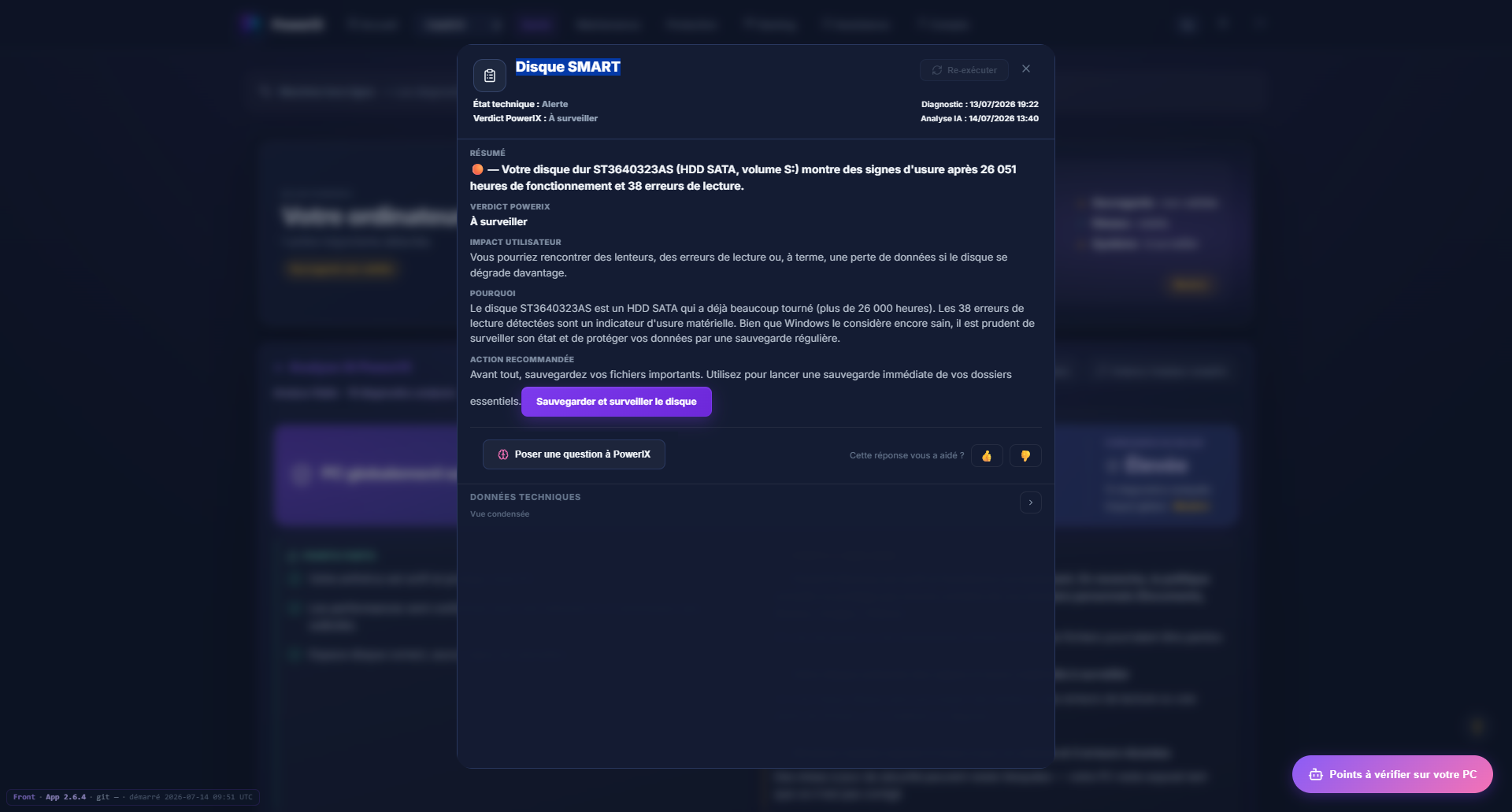
Each diagnostic is translated into a clear summary, user impact, and recommended action.
Dozens of regular checks with no intervention on your part.
Existence, functionality, and restore capability of your backups.
Antivirus, firewall, updates, and signs of infection.
SMART disk, battery, temperatures, and wear signals.
Suggested and explained actions — you approve before any important operation.